

Preview · status checked

Seedream 5.5 AI Image Generator & Editor

Seedream 5.5 is ByteDance’s next AI image generator and editor, built for transparent PNGs, clean multi-round edits and small multilingual text. It is not on public APIs yet, so the tool below runs Seedream 5.0 Pro, the model it builds on.

Model
Prompt0/1000
Try:
14 Required Credits
Examples
Overview

What Is Seedream 5.5?

Seedream 5.5 AI is an image generator and editor from ByteDance’s Seed team and the successor to the 5.0 Pro model (July 2026). It targets the steps that still slow down production work: cutting products out of their background, losing quality after a few edits, and fixing broken text in localized designs.

Next generation

ByteDance’s next AI image generator

Seedream 5.5 keeps the prompt-first workflow of the 5.0 generation: you describe the subject, the layout, the light and any text, and the image generator builds the picture or edits the one you upload. What changes is the output. ByteDance positions Seedream 5.5 AI as an image generator for finished assets rather than first drafts, with transparency, longer edit sessions and sharper text built in.

  • AI image generator and image editor in one
  • Same prompt structure as before
  • Built by ByteDance’s Seed team
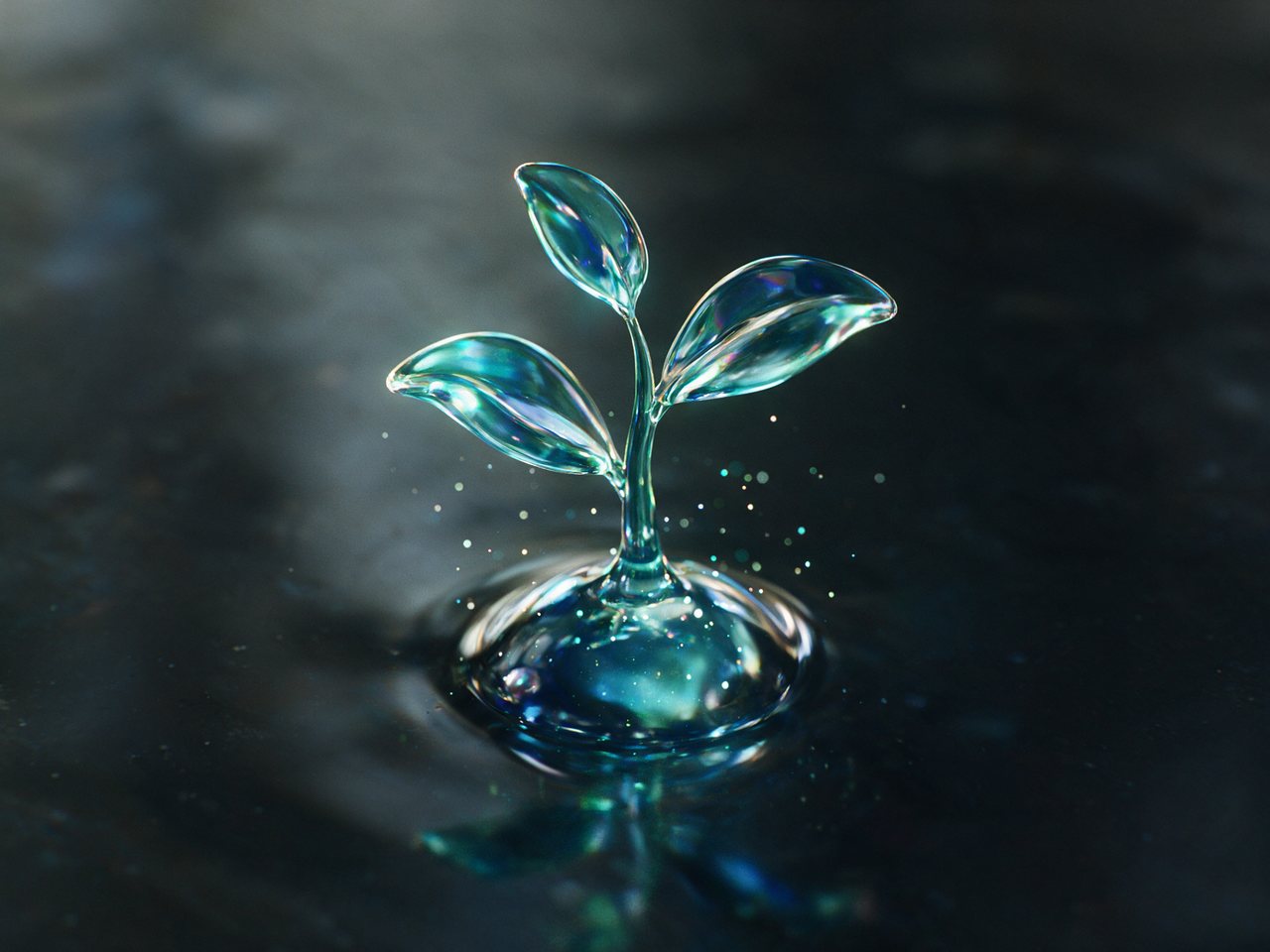
Glass seedling growing out of a glowing water droplet in blue light
Transparent assets

Assets you can drop straight into a layout

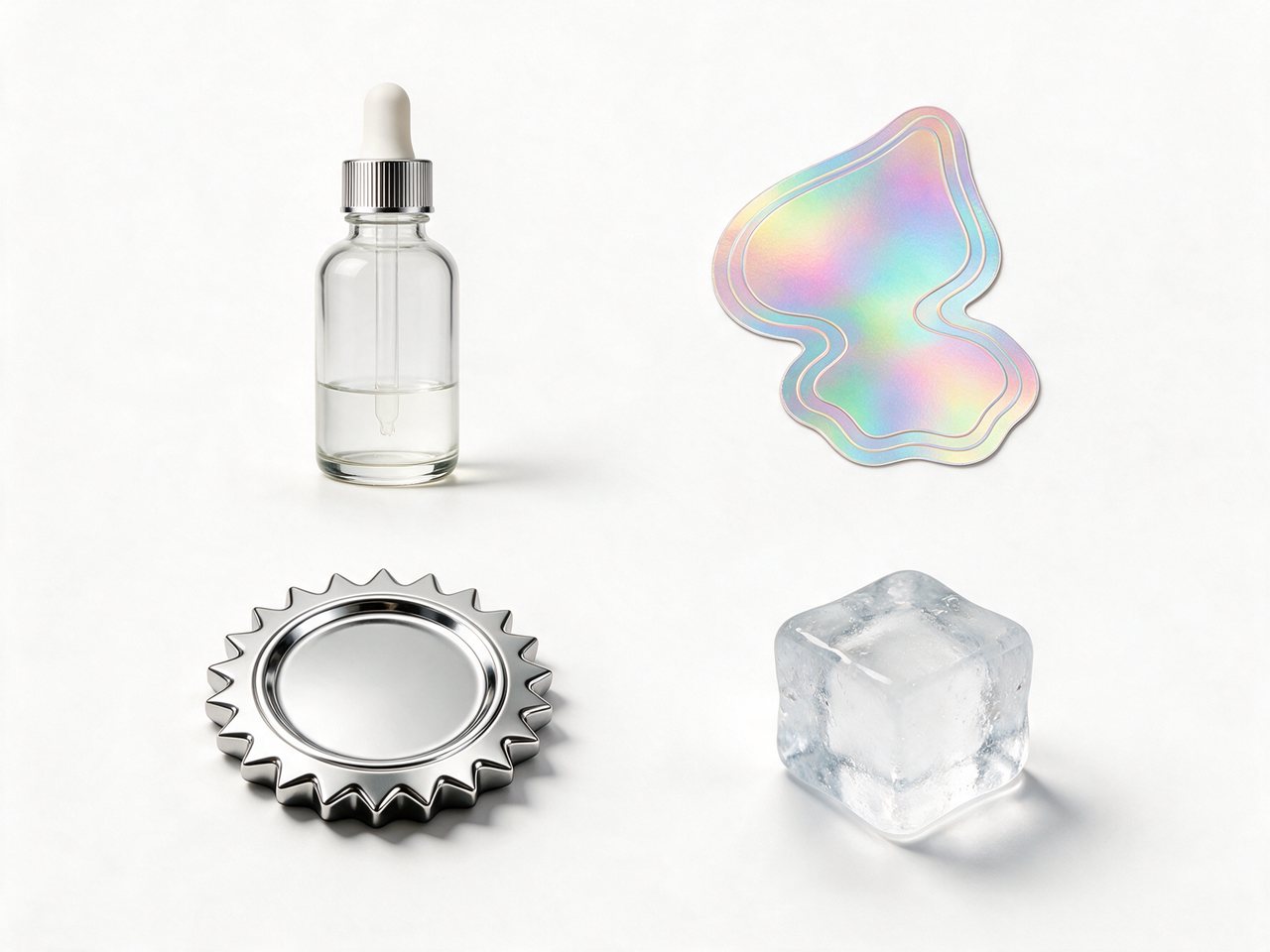
Most AI images arrive flat, so a product shot still needs a manual cut-out before it goes into a banner or a slide. Seedream 5.5 is built to return a real alpha channel instead: fully transparent backgrounds plus semi-transparent areas such as glass, smoke or a soft shadow. Export as PNG and the asset is ready for a design tool, a storefront or a video edit.

  • Fully and semi-transparent areas
  • Products, logos, stickers and glass
  • Fewer manual masks before layout
Glass dropper bottle, holographic sticker, chrome badge and ice cube on a white background
Edits and text

An image editor that holds up, with text that reads

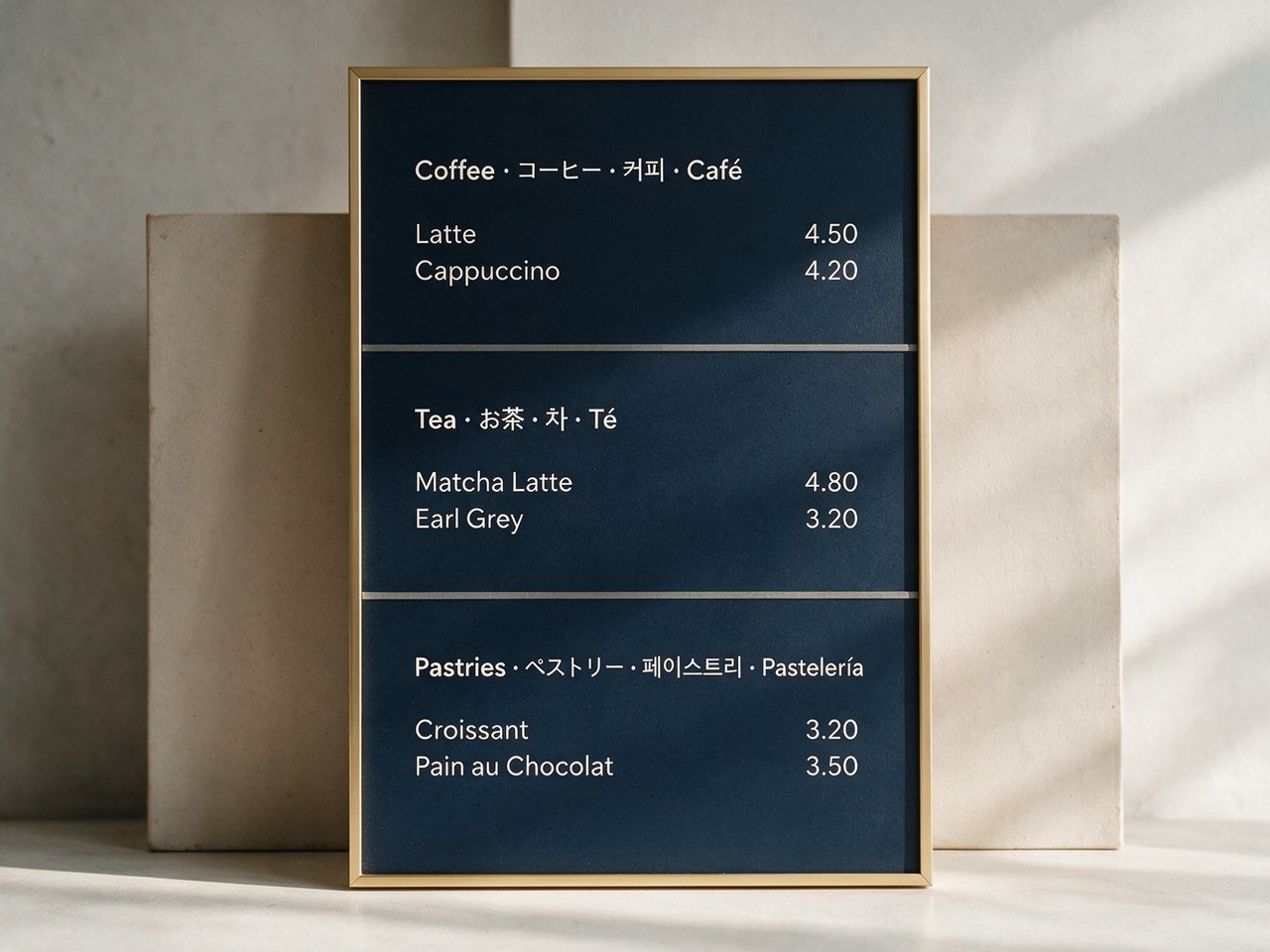
Seedream 5.5 is meant to hold up when you keep working on one image. ByteDance says edits stay clean for more than 80 rounds, so you can change a color, swap an object and fix a label without the picture slowly degrading. It also renders fine print in more than 15 languages more accurately, which matters for menus, packaging, price boards and localized ads.

  • 80+ rounds of clean edits
  • Text in 15+ languages
  • One layout across language versions
Cafe menu board with headings in English, Japanese, Korean and Spanish
The figures on this page are ByteDance’s own evaluations, not independent tests. Every image in this section was generated on this site with the current Seedream image generator.
What’s new

Key Features of Seedream 5.5

Four upgrades in Seedream 5.5 AI over the version on this site today, each aimed at a step that still takes manual work after the image is generated.

RGBA

Native transparent backgrounds (RGBA)

The new version is built to output images with a real alpha channel, both fully transparent and semi-transparent, so a product, logo, sticker or glass object comes out ready to drop onto another background. It is meant as the base of a layer-by-layer workflow instead of one flat image. The image generator on this site today returns flat images.


80+ rounds

80+ rounds of clean local edits

Change a color, swap an object, fix a detail, then keep going: ByteDance says the image editor keeps local changes clean for more than 80 rounds. In ByteDance’s internal test, it beat GPT-Image 2.5, Flux 3 Image and Nano Banana 2.1 on multi-round editing of the same task.

4.53 / 5

Small text in 15+ languages

On complex multilingual text across 15 languages, ByteDance reports an average machine-evaluated score of 4.53, up from 3.34 for 5.0 Pro (GPT-Image 2.5 scores 4.69). The examples it shows are a Thai price board, a Russian planner page and a Japanese event poster.

Photoreal

More realistic light, materials and skin

It improves on the 5.0 generation in lighting, material and skin texture, and ByteDance says its base-model realism score is well above GPT-Image 2.5. The aim is campaign and product shots that read as photography.

Comparison

Seedream 5.5 vs Seedream 5.0 Pro

What changes when you move from the AI image generator you can use today to Seedream 5.5 AI.

Feature5.0 Pro (today)Seedream 5.5 (expected)
StatusReleased July 8, 2026; runs on this siteNot on public APIs yet
Best forPosters, infographics, photoreal images and marked-up editsTransparent assets, many rounds of edits and localized designs
Transparent outputFlat imagesNative RGBA, transparent and semi-transparent
Repeated editsEdits from a marked-up photoClean edits through 80+ rounds
Multilingual text score (15 languages)3.344.53
PromptsPlain-language briefsSame brief structure carries over
Output and references1K or 2K, up to 10 reference imagesNot announced
Price on seedream5pro.im14 credits per 1K image, 24 per 2KNot available yet
In short: today’s AI image generator is the one to use for finished images now. Seedream 5.5 is the one to test when your work ends in a layout, a long run of edits or a page full of multilingual fine print. The 5.5 figures are ByteDance’s internal evaluations, not independent tests.
Today’s baseline

What Can You Create with Seedream 5.5?

Three jobs Seedream 5.5 AI is built to do better. These samples were generated on this site with the current AI image generator, not Seedream 5.5 AI, so they show today’s baseline next to what the new version promises.

Frosted glass perfume bottle with floating glass petals on a plain white background

Product shot on plain white

Today

Today you get a clean product on a seamless white background, which still needs a cut-out before it goes into a layout.

With Seedream 5.5

The same bottle with a real transparent background, glass petals included, ready to place on any banner.

Summer jazz night poster with Japanese and English lettering and a saxophone player

Bilingual event poster

Today

Japanese and English lettering share one layout, and the large titles already read well.

With Seedream 5.5

Sharper small print in both scripts, the part of a poster where text still slips today.

Woman reading by a window in soft side light with natural skin texture

Window-light portrait

Today

Soft side light and natural skin texture that already reads as a photo.

With Seedream 5.5

More convincing light falloff, fabric and skin, aimed at campaign and product photography.

Get ready

How to Prepare for Seedream 5.5

Build a small test set now, so you can judge Seedream 5.5 AI on your own work the day it becomes available.

  1. 1
    Step 1

    Write the prompt like a brief

    Name the subject, the layout, the light and the mood, and put any text that must appear in quotes. Short, specific briefs travel best between versions.

  2. 2
    Step 2

    Run it on Seedream 5.0 Pro now

    Generate it in the tool above at 1K or 2K and keep the result, the prompt and the settings together as your baseline.

  3. 3
    Step 3

    Rerun it when the new model ships

    When Seedream 5.5 reaches an API, run the same prompt and compare text, edges, transparency and how the image editor holds up over several edits.

FAQ

Seedream 5.5 FAQ

Short answers about Seedream 5.5, its features and how to use this AI image generator.

1

What is Seedream 5.5?

Seedream 5.5 AI is the next AI image generator and image editor from ByteDance’s Seed team and the follow-up to the Seedream 5.0 family. Its headline features are native transparent (RGBA) output, clean edits over 80+ rounds, more accurate fine print in 15+ languages, and more realistic light, materials and skin.

2

What is Seedream 5.5 AI best for?

Seedream 5.5 AI is aimed at production assets: products and logos that need transparent backgrounds, designs that go through many rounds of edits, and localized posters, menus and packaging full of text. For quick drafts and flat images, the current Seedream models already cover most jobs.

3

Can I use Seedream 5.5 on seedream5pro.im?

Not yet. It is not offered through a public API, so the generator on this page runs 5.0 Pro, with 5.0 Flash for fast drafts. We will add it when an API provider offers it.

4

Is Seedream 5.5 free to use?

No price has been announced for Seedream 5.5. On seedream5pro.im new accounts get free credits for the Pro and Flash models, which is enough to build the baseline prompts you will want to rerun on 5.5.

5

Does Seedream 5.5 support transparent backgrounds?

Yes, according to ByteDance: it generates fully transparent and semi-transparent areas with a real alpha channel. Export as PNG to keep it. The version on this site today does not output transparency.

6

Is there a Seedream 5.5 API or price?

Not yet. No API access or pricing has been announced, and WaveSpeed, the API provider behind this site, did not list a Seedream 5.5 model as of October 25, 2026.

7

How is Seedream 5.5 different from Seedream 5.0 Pro?

It keeps the same prompt-driven workflow and adds native transparency, longer clean editing sessions, better multilingual text (a 4.53 average score across 15 languages versus 3.34) and more realistic photos. These figures are ByteDance’s internal evaluations, not independent tests.

8

Should I wait for Seedream 5.5 or start with the current image generator?

If you need posters, infographics, product shots or marked-up edits today, the image generator on this page already handles them. Wait for Seedream 5.5 only if your work depends on transparent PNG assets, very long runs of edits or dense fine print in several languages.

9

Will my Seedream 5.0 Pro prompts work on Seedream 5.5?

ByteDance says the prompt structure carries over: describe the subject, setting, light and the exact change you want. Prompts you write today make a good test set for the new version.

10

Is this an official ByteDance site?

No. seedream5pro.im is an independent site that runs ByteDance’s Seedream models through API providers. It is not affiliated with ByteDance.

Create With Seedream 5.0 Pro Until Seedream 5.5 Launches

Build your prompts on this AI image generator today and rerun them on Seedream 5.5 AI when it reaches an API. New accounts get free credits for Pro and Flash, enough to start your test set right now.

Try it free
Woman in a flowing cobalt-blue silk dress on sand dunes at golden hour