

Seedream 5.0 Pro
Released July 8, 2026
Infographics, interactive editing, multilingual text and photoreal detail. 1K or 2K output and up to 10 reference images. 14 credits per 1K image.
Seedream 5.0 Pro turns prompts into infographics, posters and photoreal images with clean text in 10+ languages. Upload a photo with boxes or notes drawn on it, and only those spots change. Flash is there for fast drafts.
Every image here was made with Seedream 5.0 Pro. Tap one to load its prompt into the generator, then make it your own.
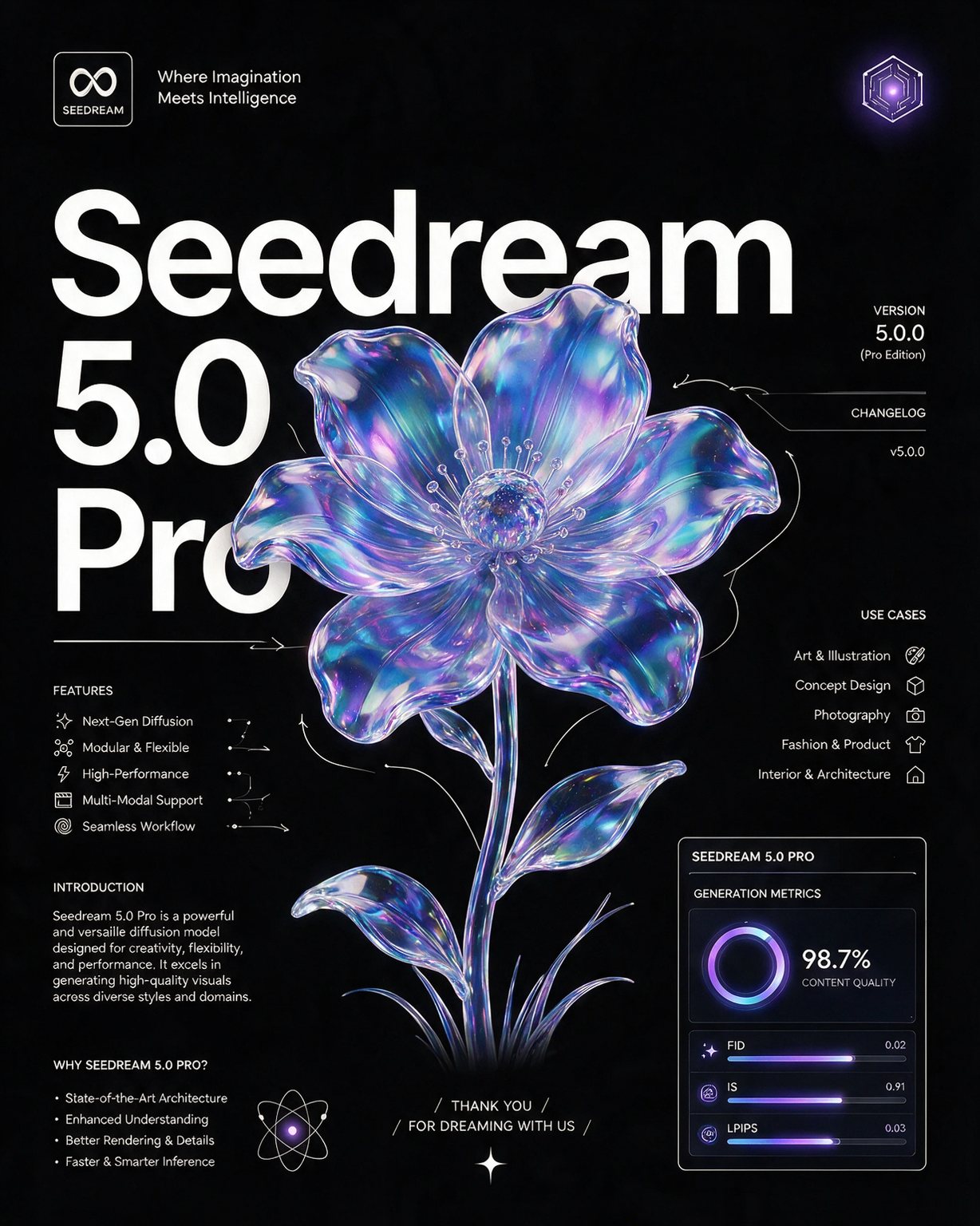
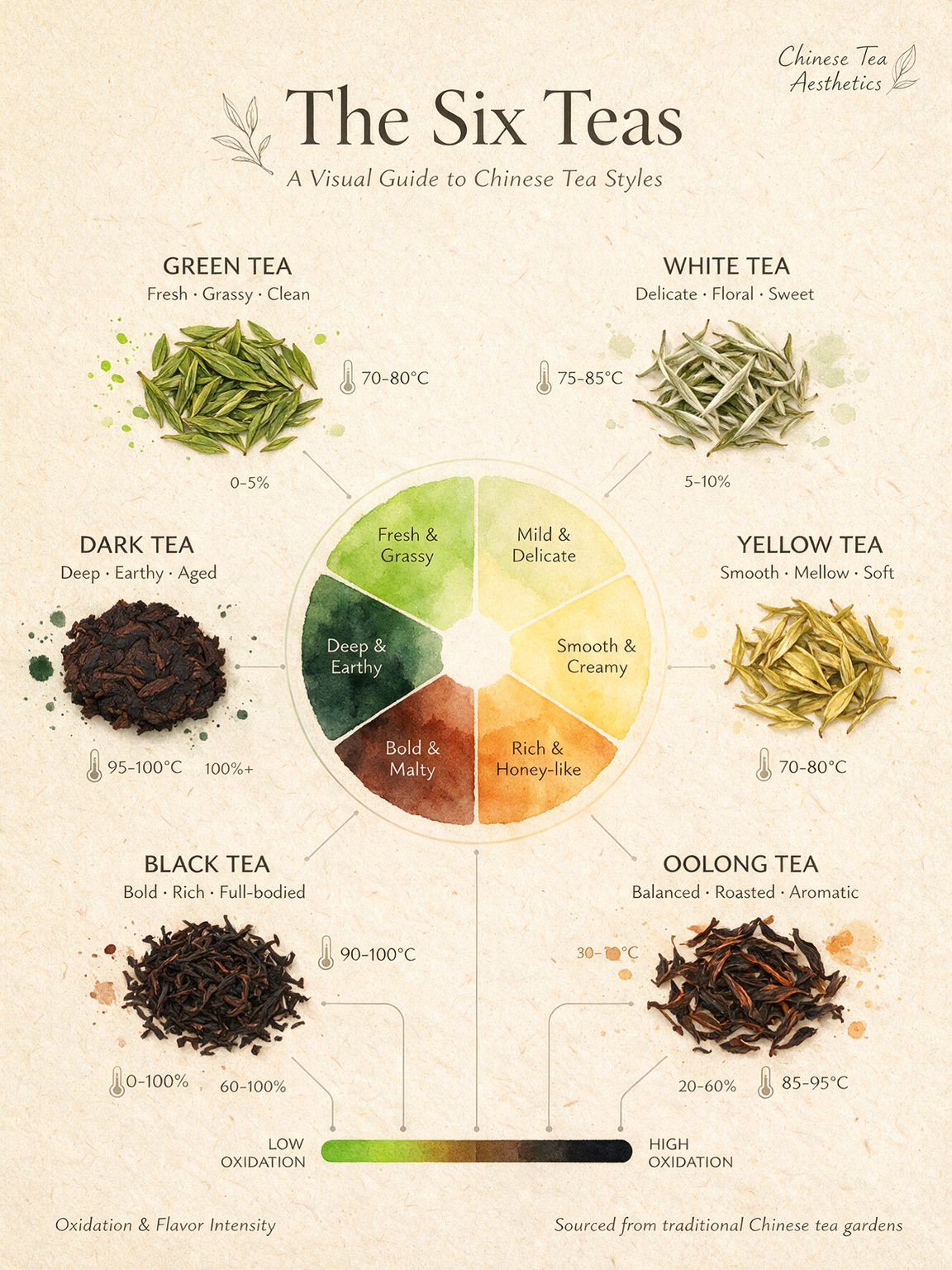
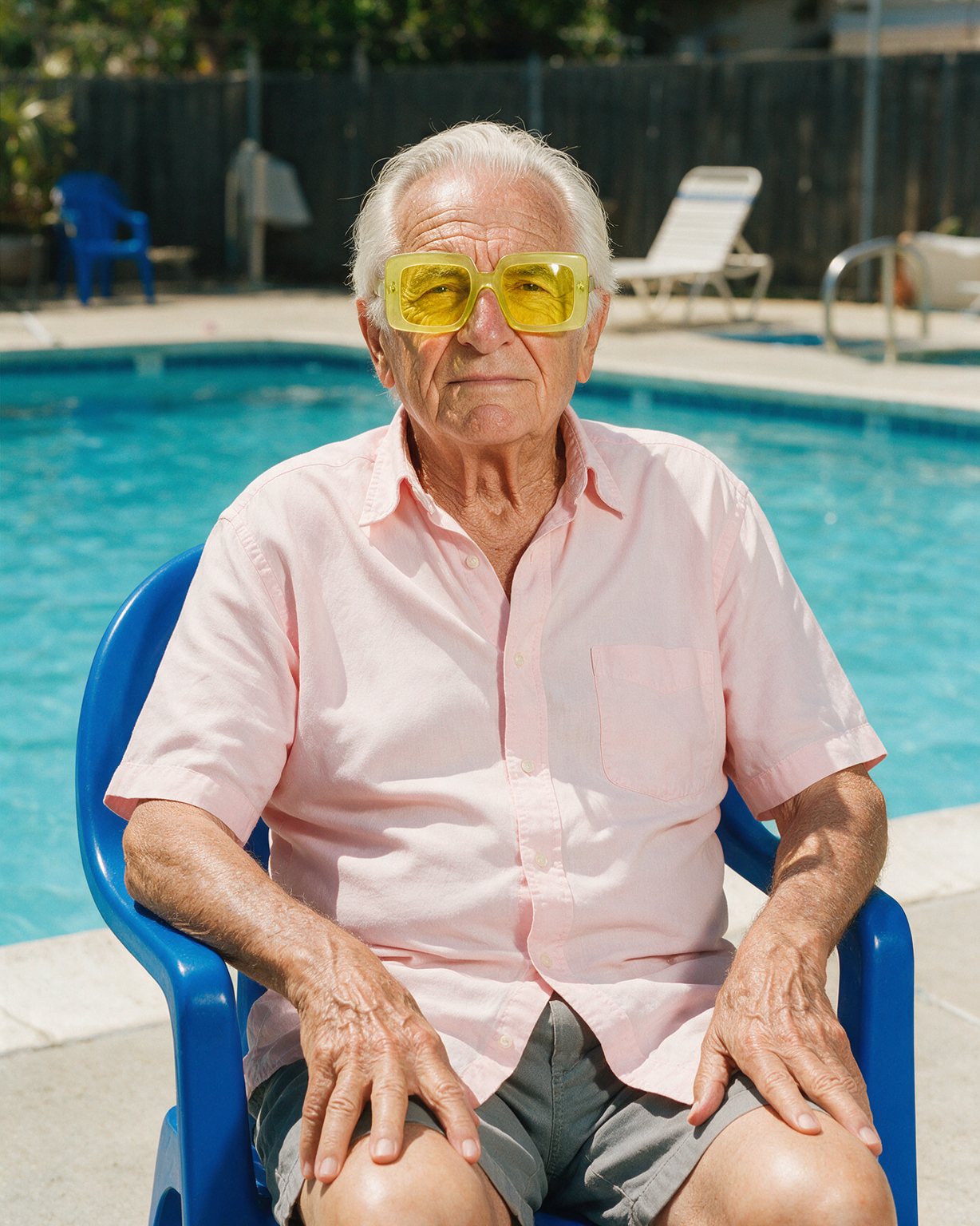
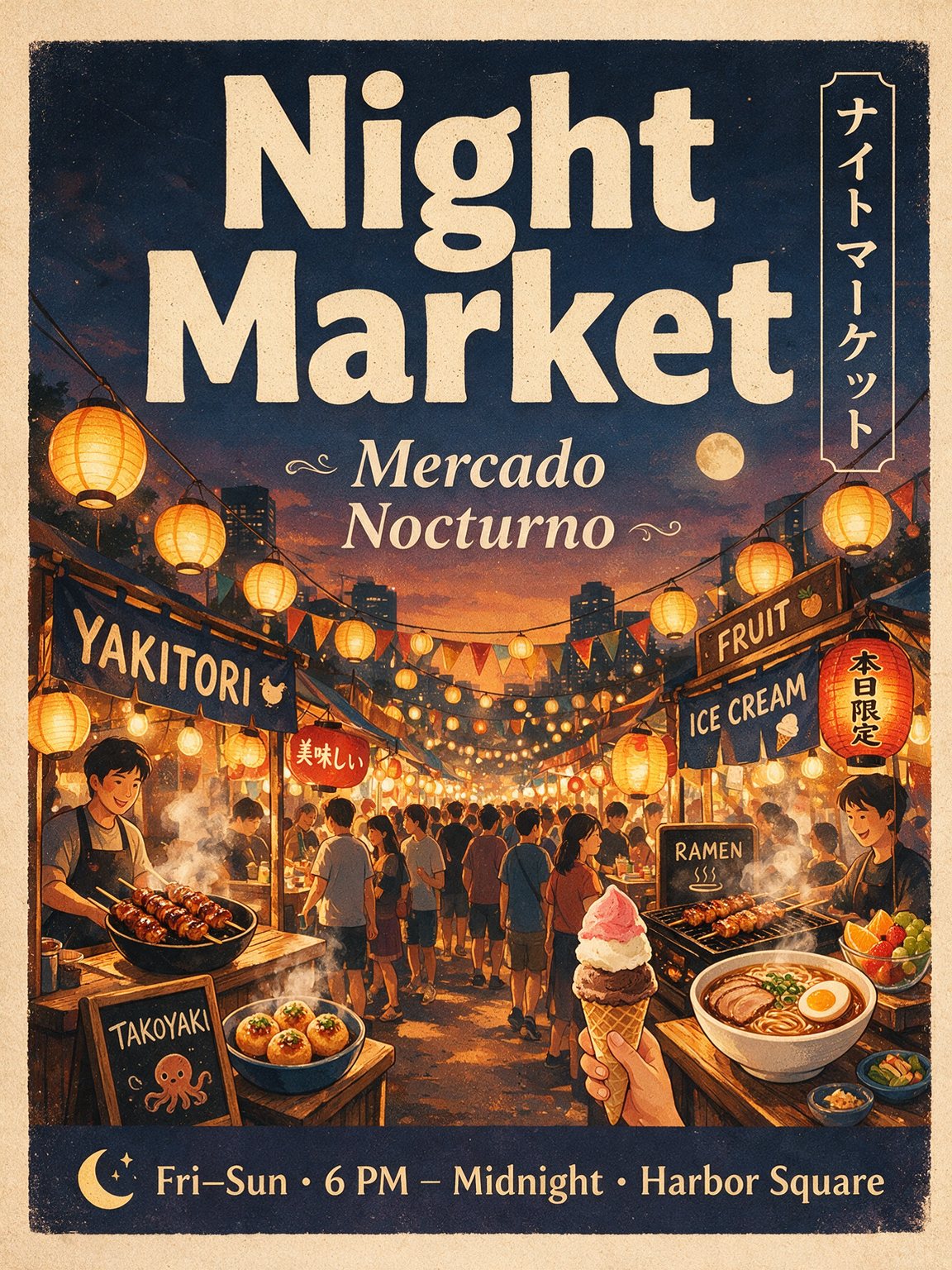
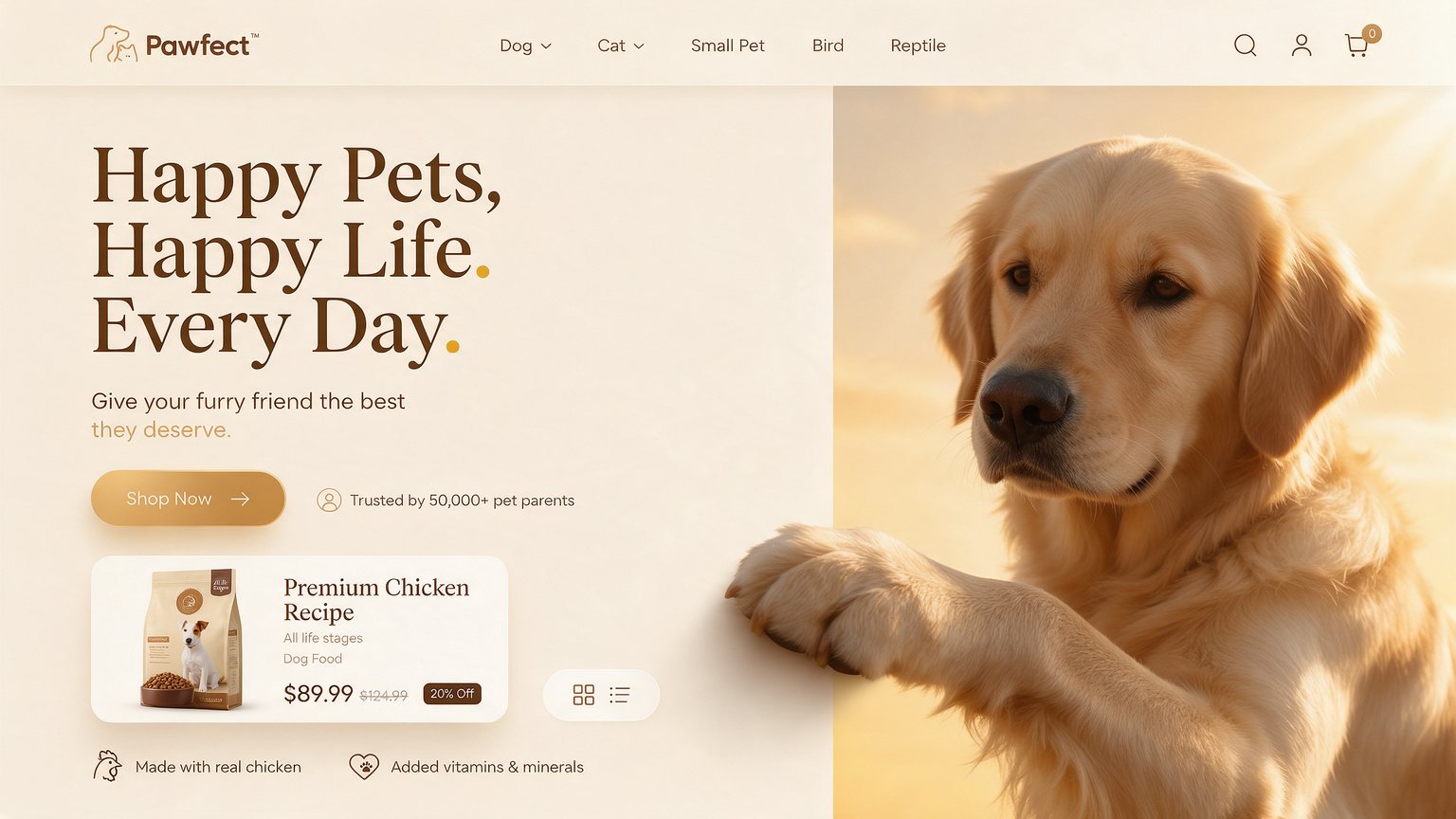
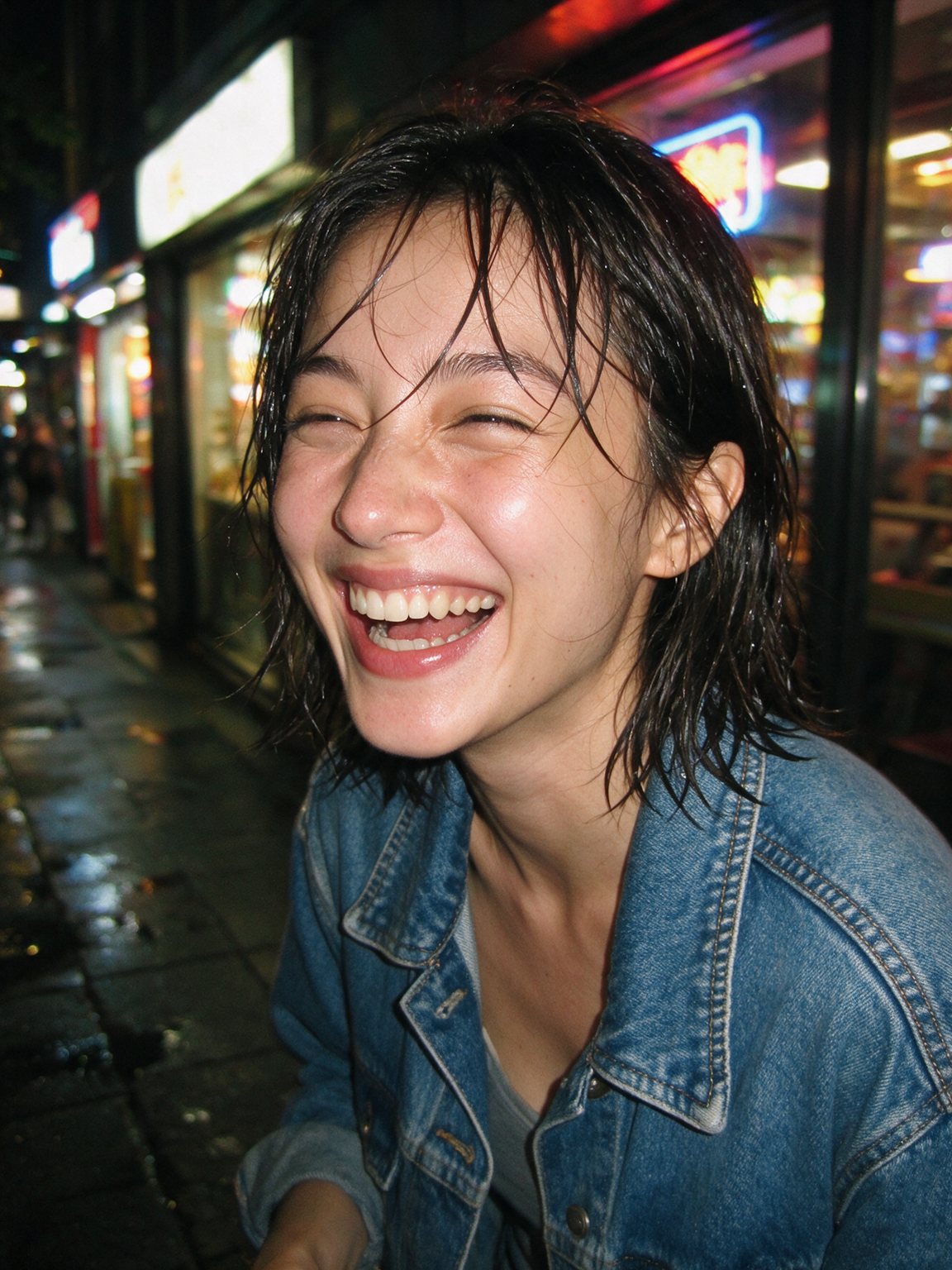
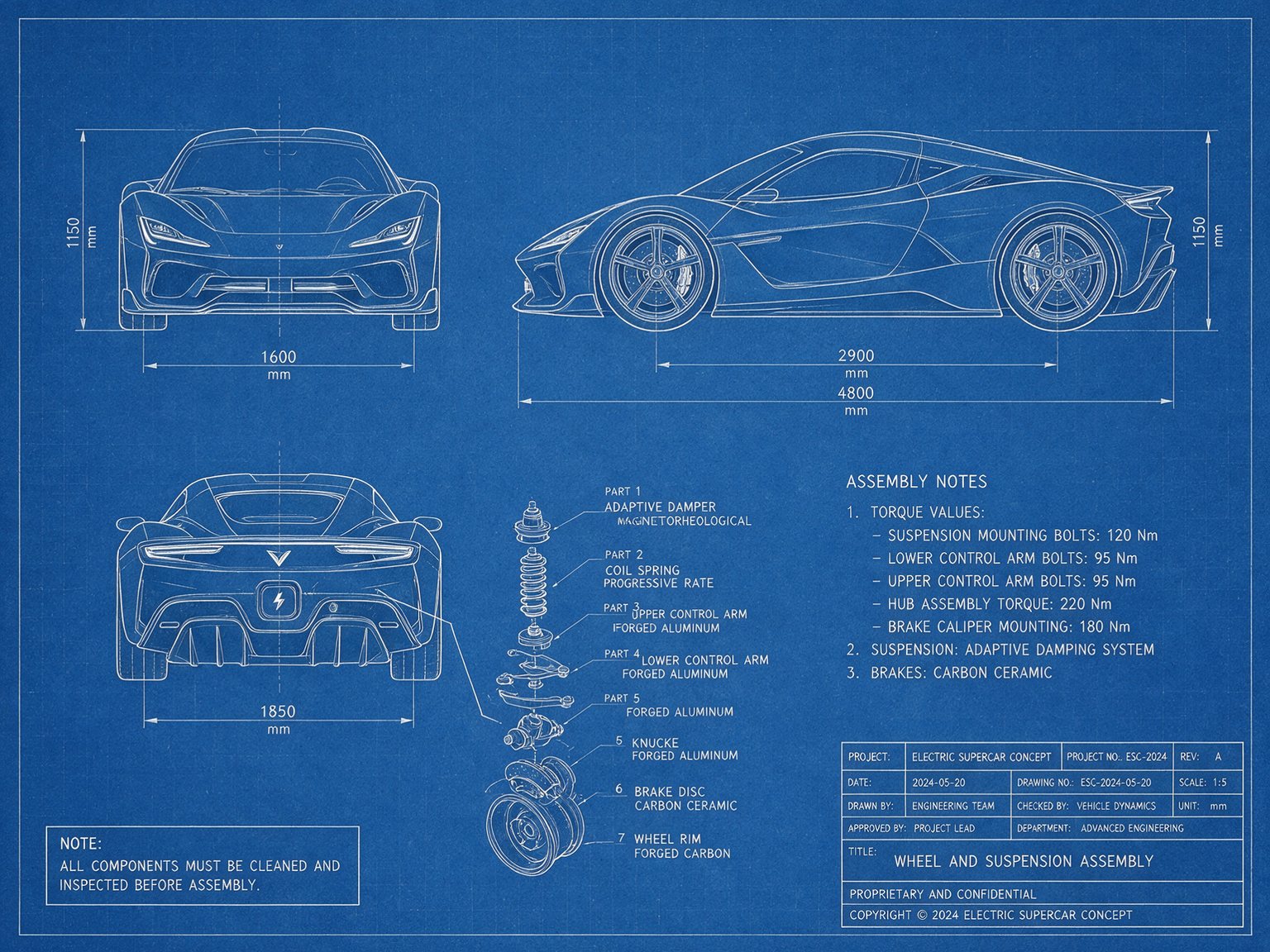
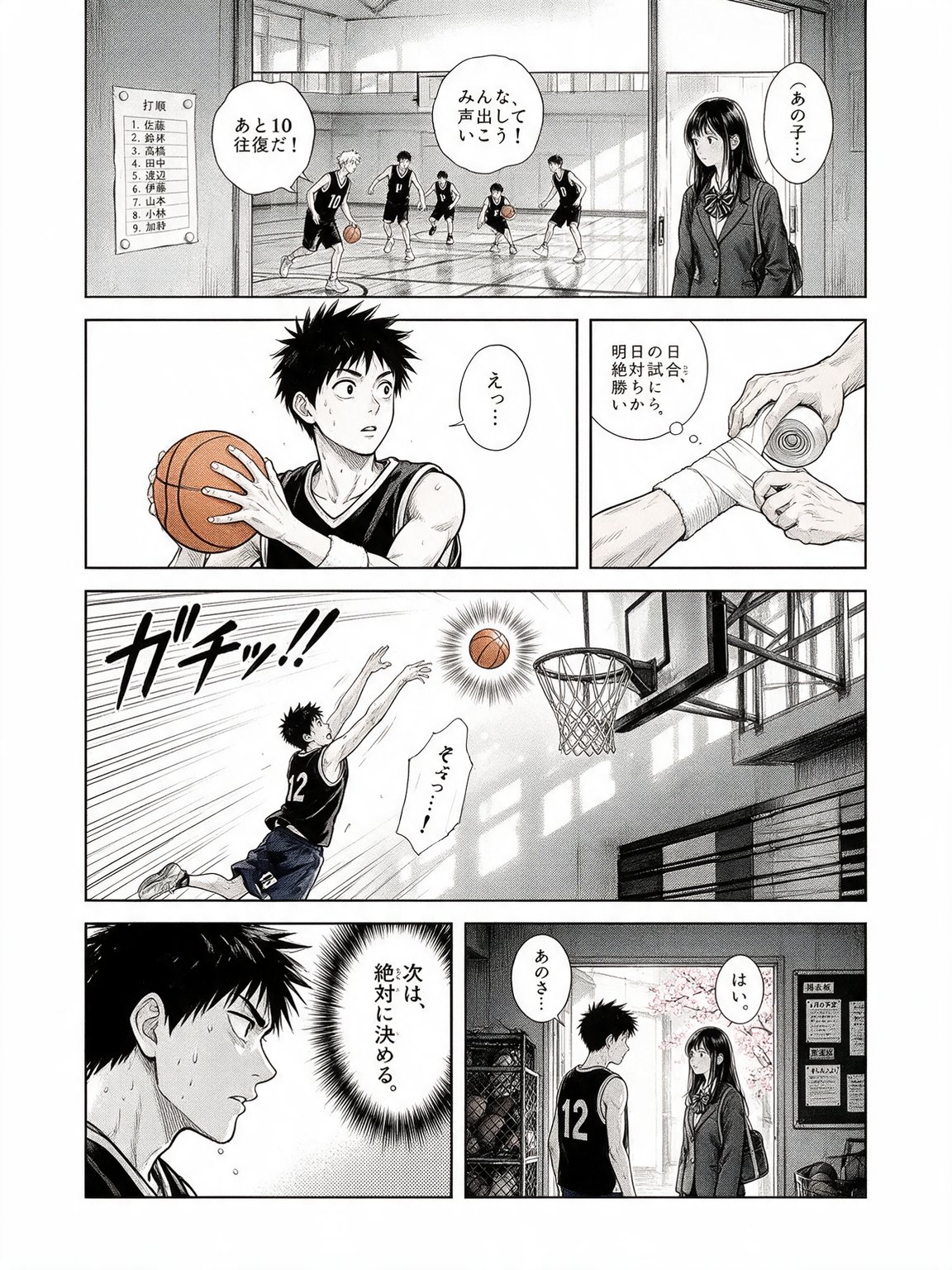

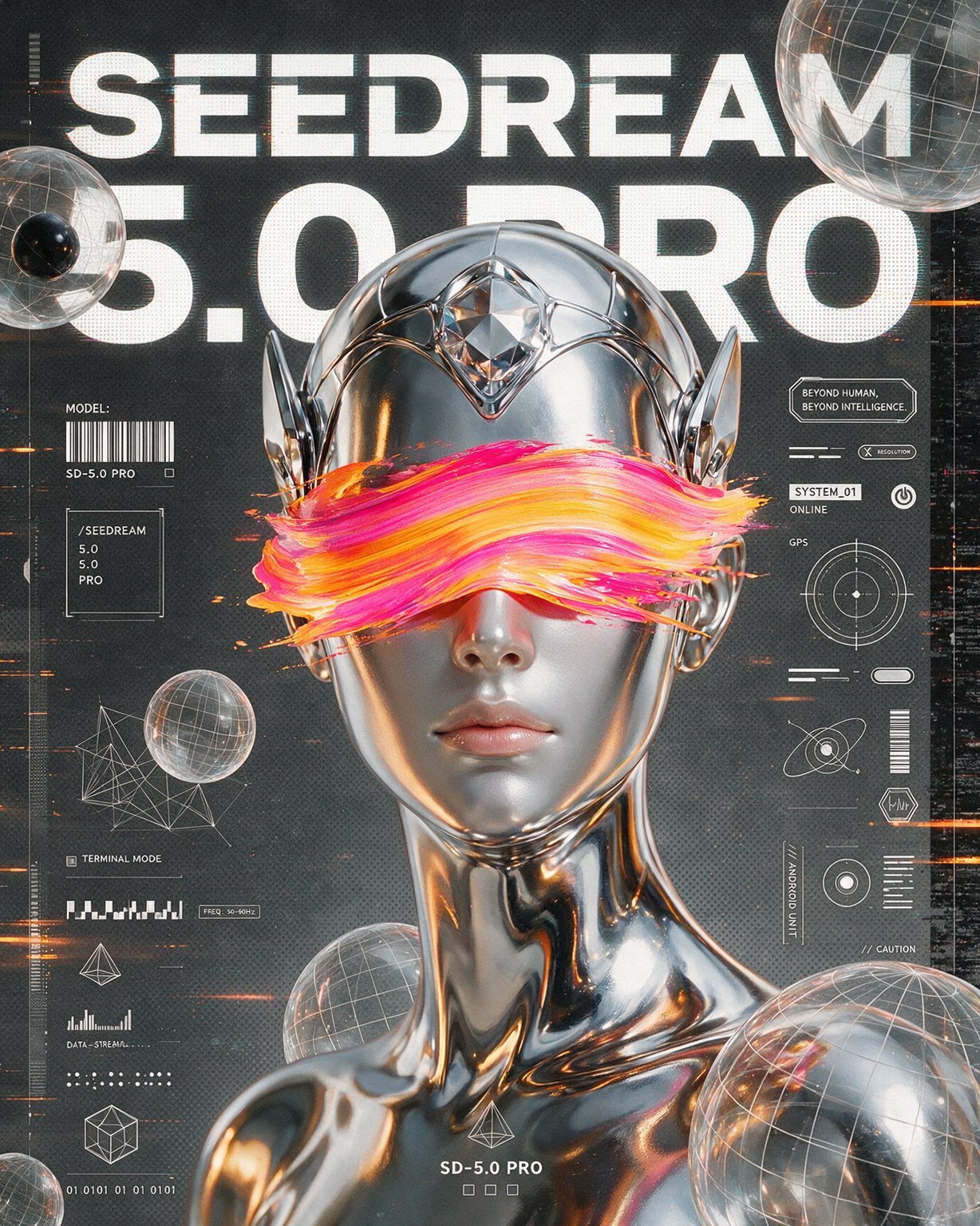


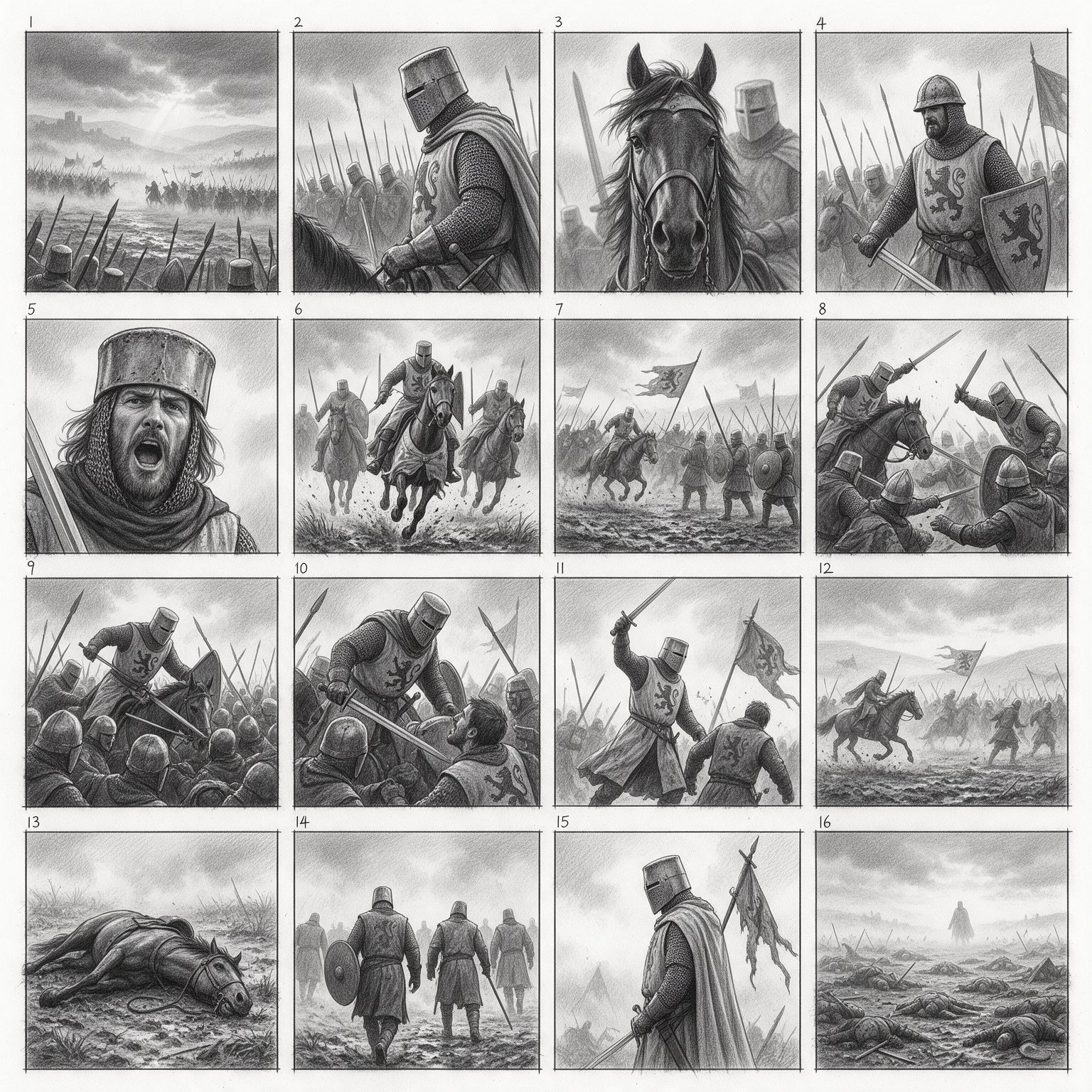
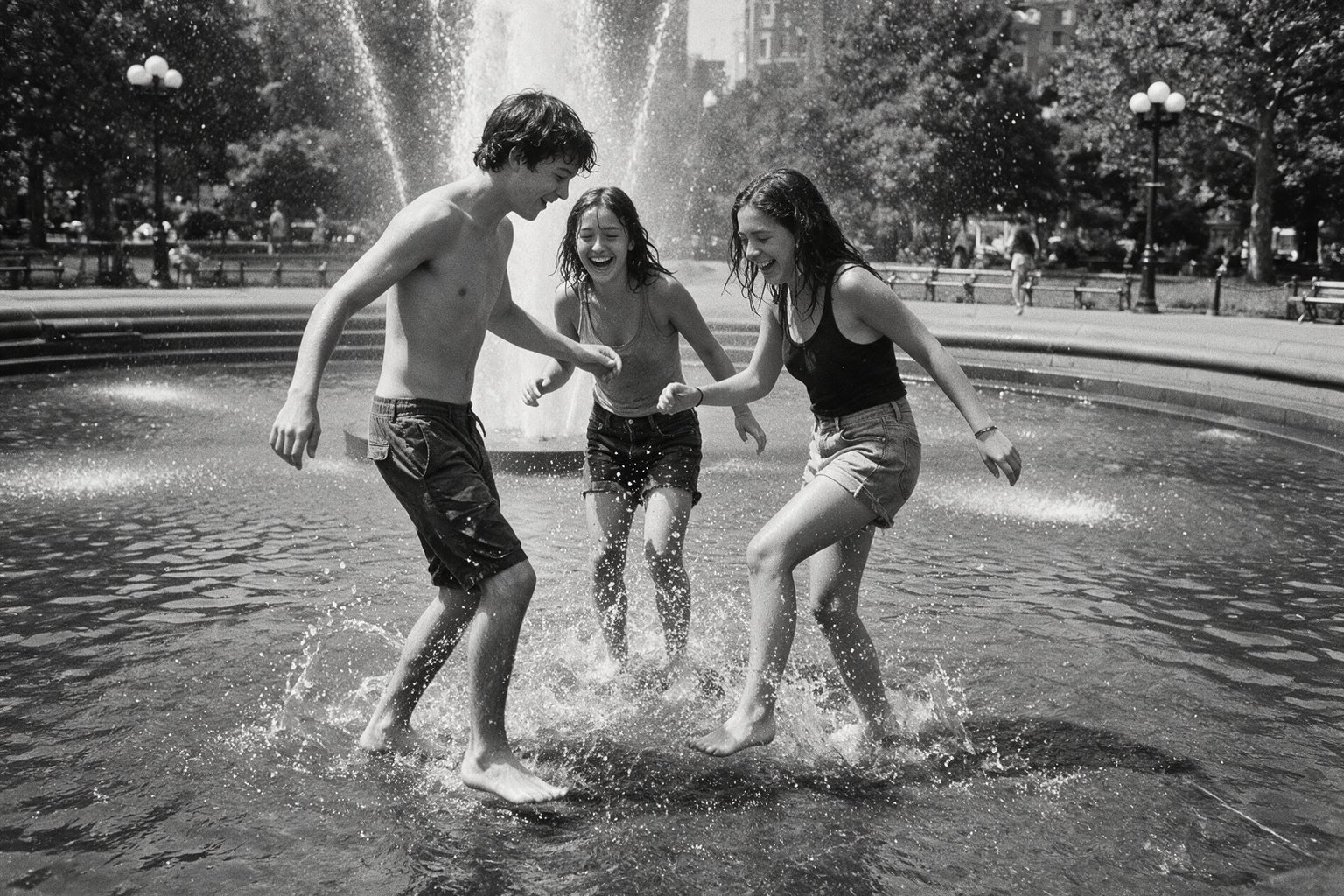
ByteDance built this version for design work that earlier image models got wrong: dense layouts, real text and believable light. Here is what that looks like.
Infographics
Charts, timelines and labels in one image
Name the topic and the parts you want, such as a timeline, a bar chart or a flowchart. The model plans the layout, writes the labels and keeps the hierarchy readable. Check tiny labels before you publish; that is where it still slips.
Use this prompt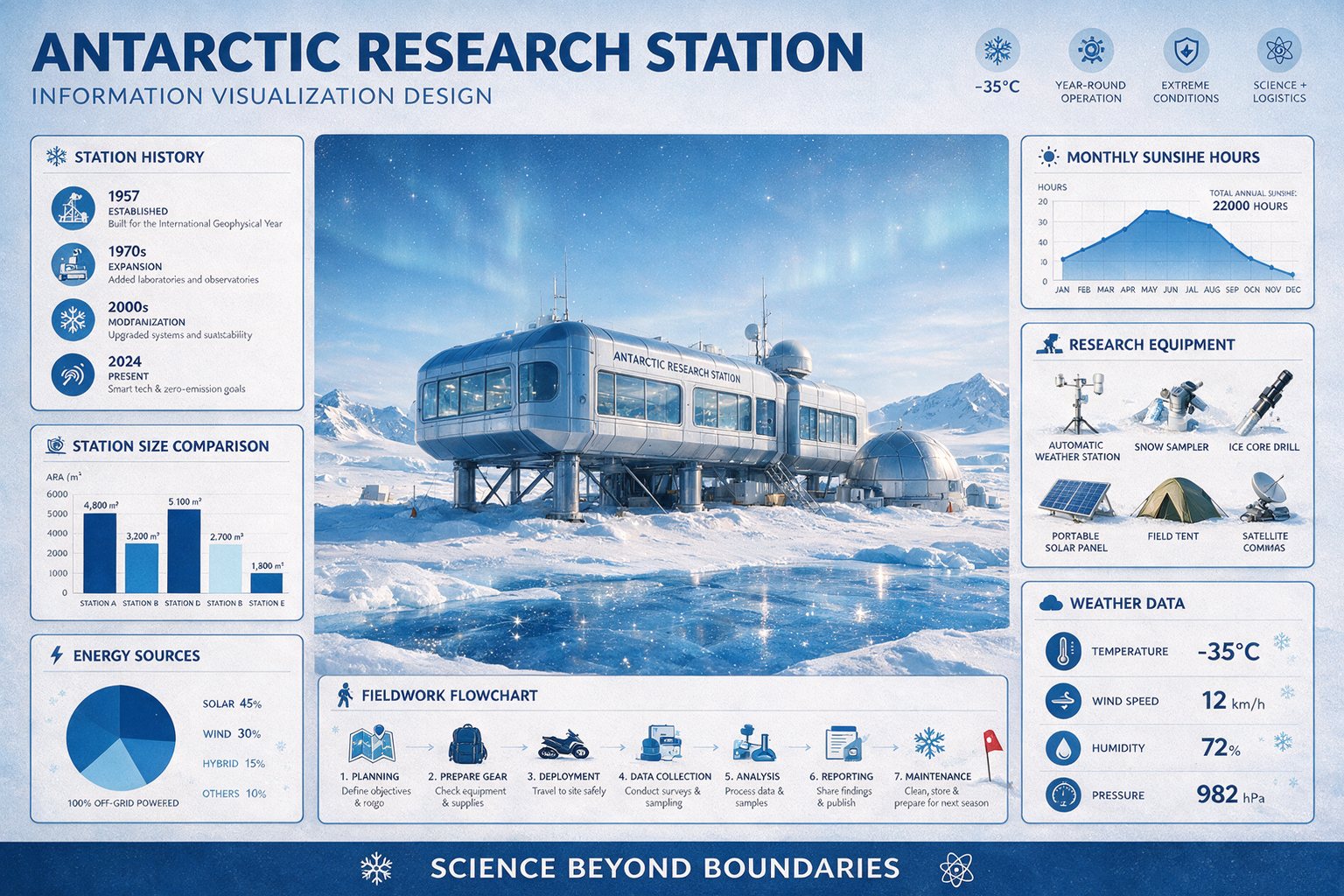
Text in 10+ languages
One layout, four languages
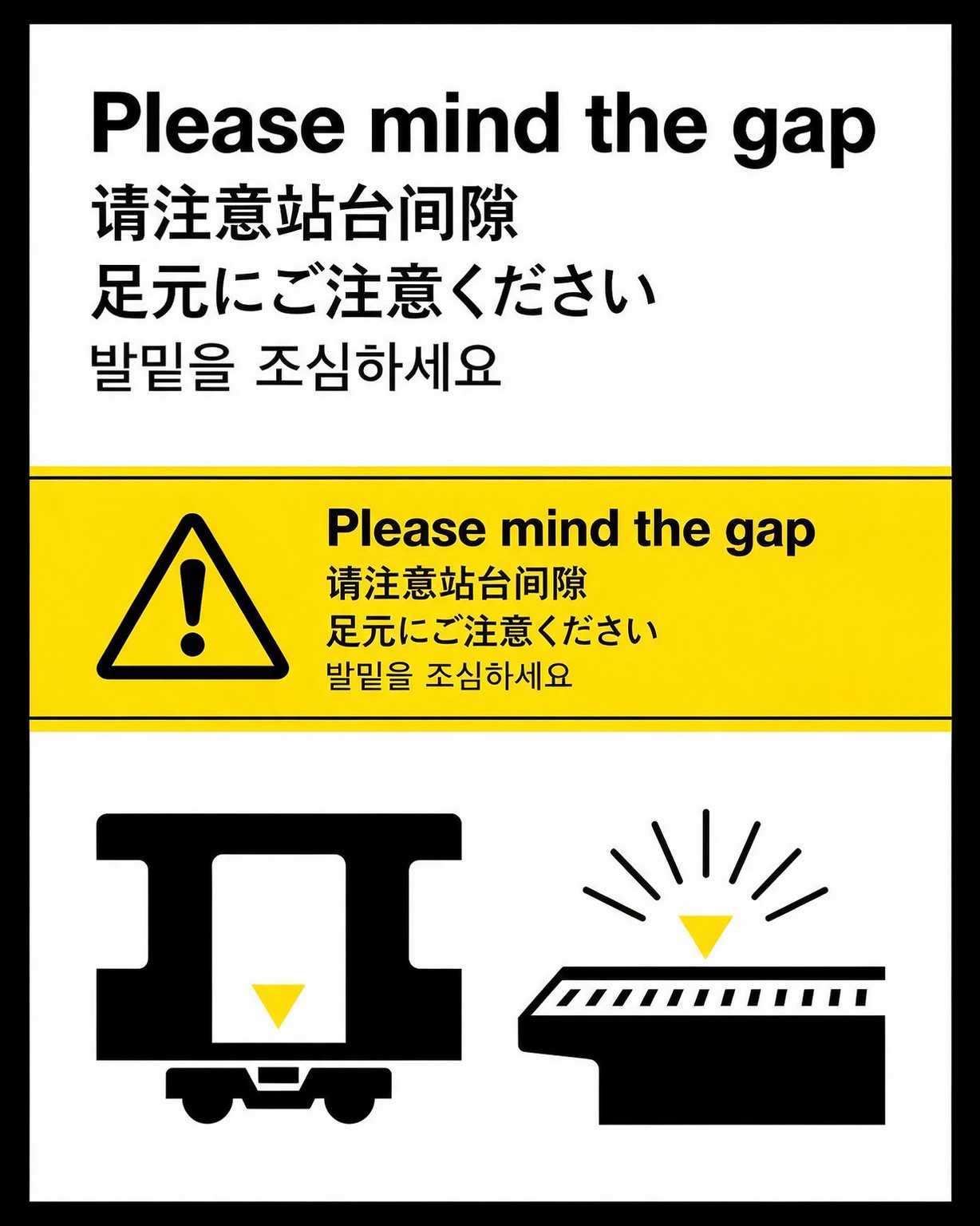
Put the exact words in quotes and they come out set in English, Spanish, French, Chinese, Japanese, Korean or Arabic, with right-to-left layouts, accents and vertical Japanese type.
Use this prompt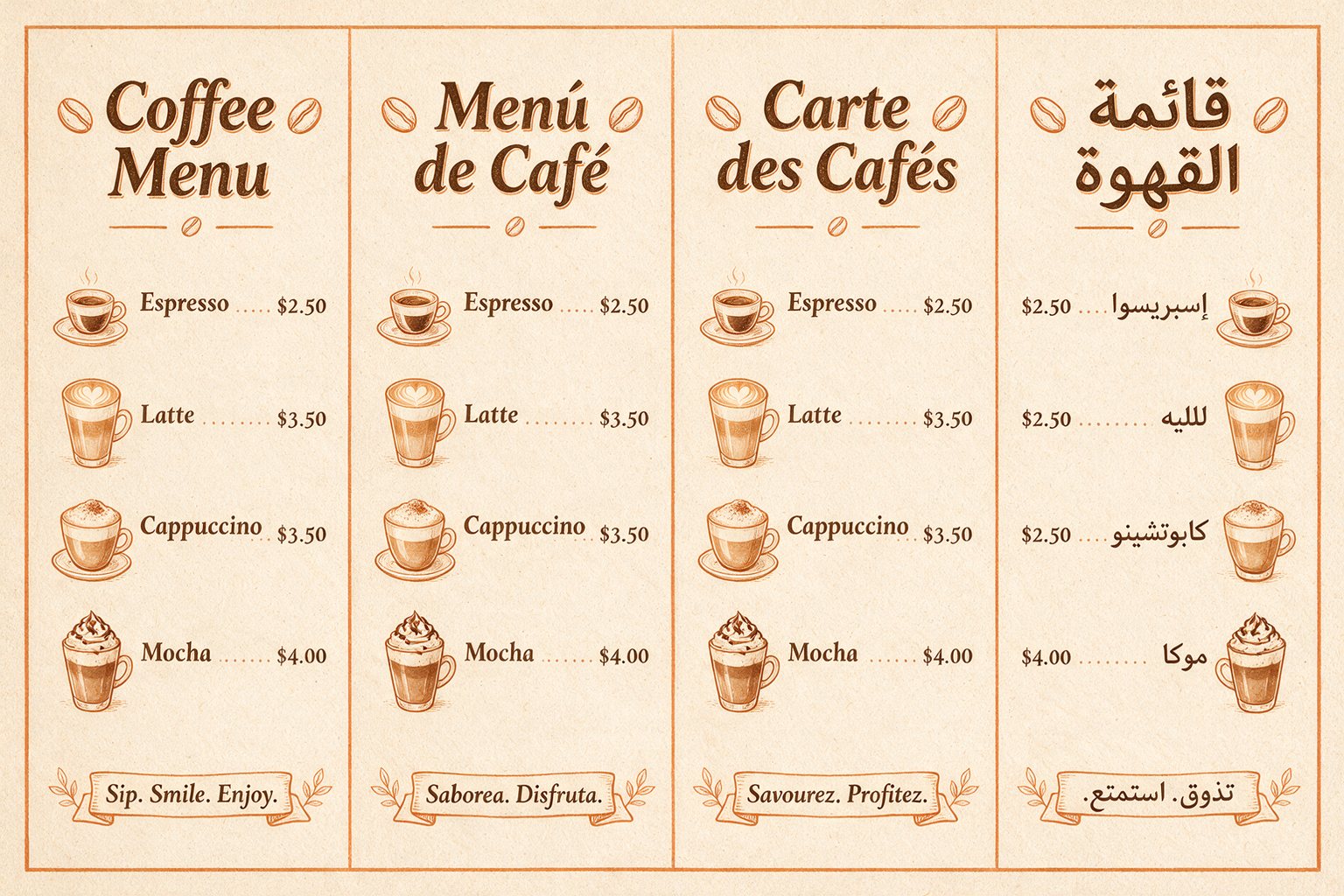
Photorealism
Light, glass and skin that read as real
Reflections, refraction and skin texture hold up far better than in earlier Seedream models. In a July 2026 blind test by Contra Labs, Seedream 5.0 Pro won the photorealism category.
Use this prompt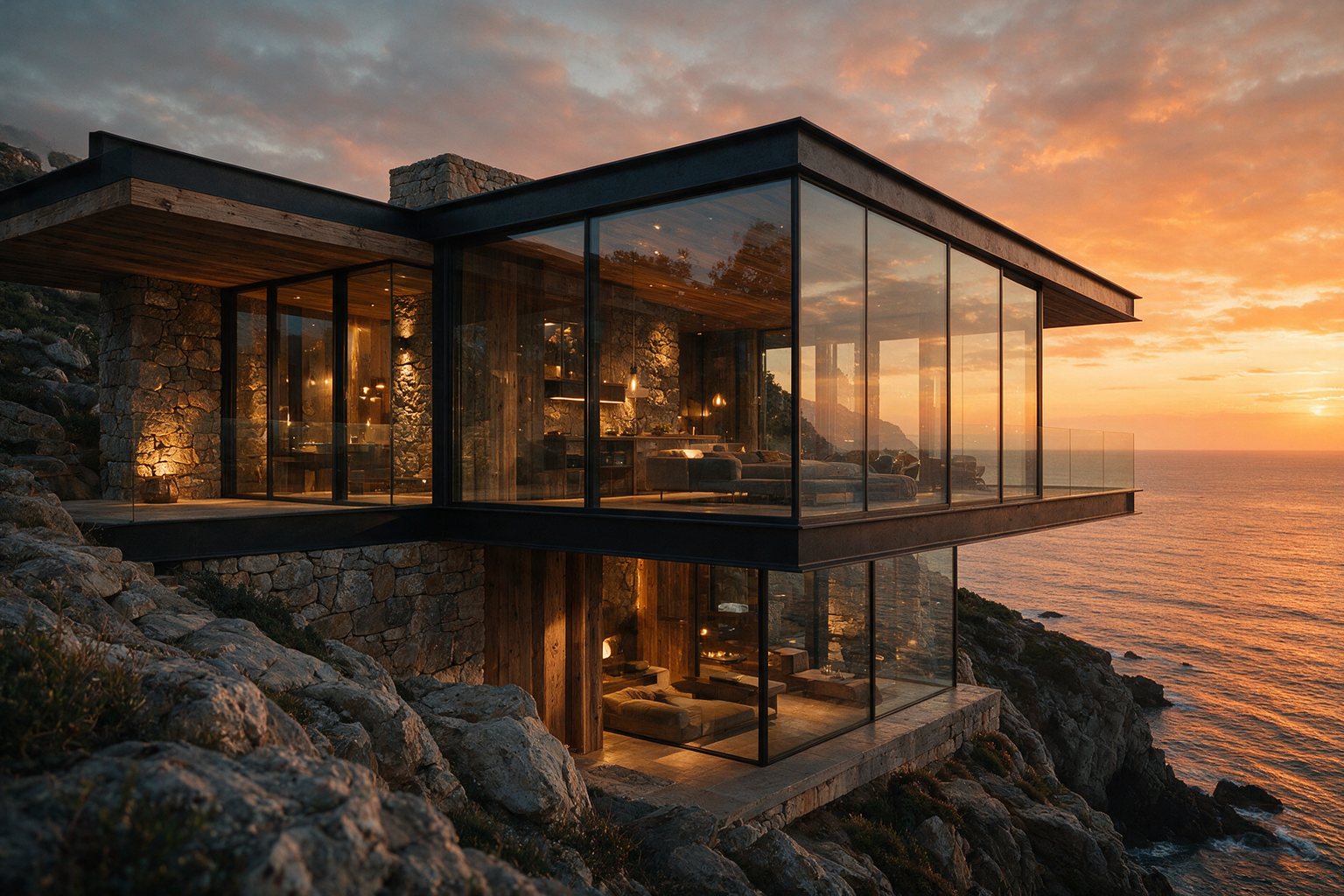
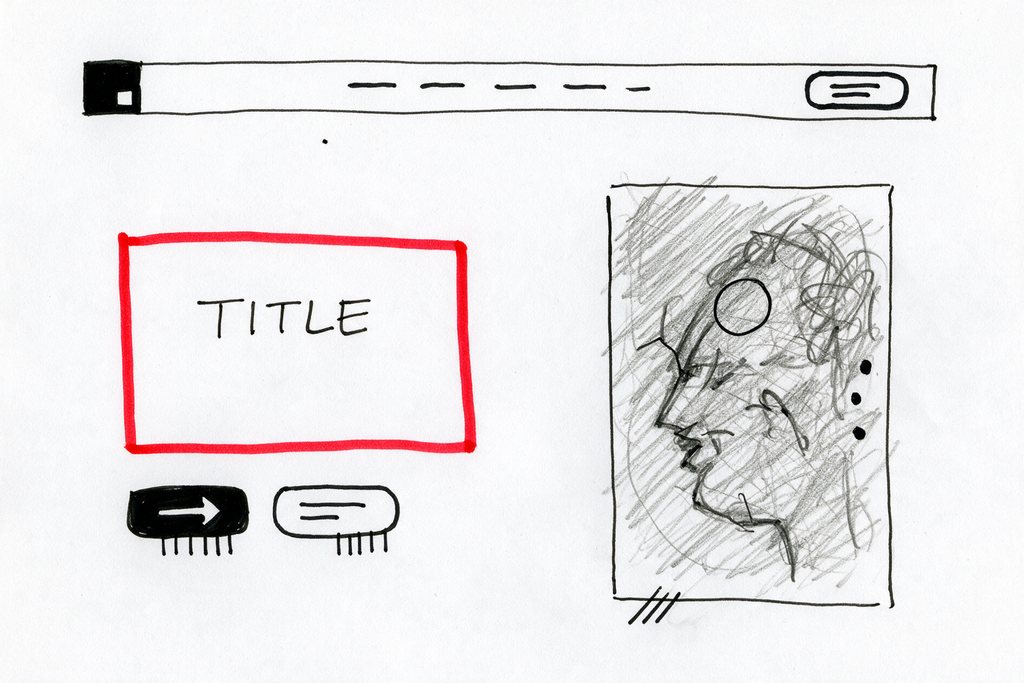
Sketch to design
Your layout, rendered
Upload a quick wireframe with boxes and labels. The layout stays yours while the sketch becomes a polished hero section, poster or product page, with your headline set in the marked area.
Use this prompt
Interactive precise editing
Mark the spot. Leave the rest alone.
Draw boxes or quick notes on your photo, upload it, and say what each mark means. Only those areas change and the marks disappear, while the room, the light and the camera angle stay the same. Drag the handle to compare.
Try a marked-up edit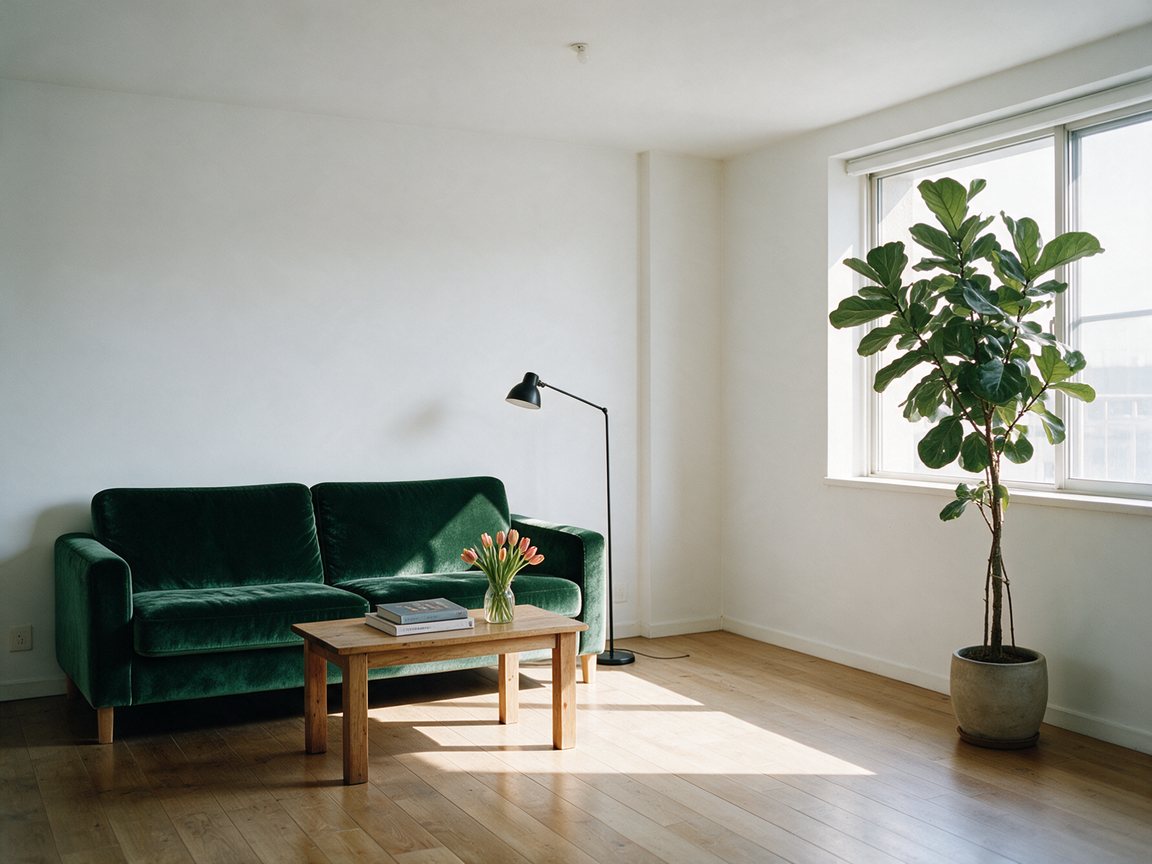
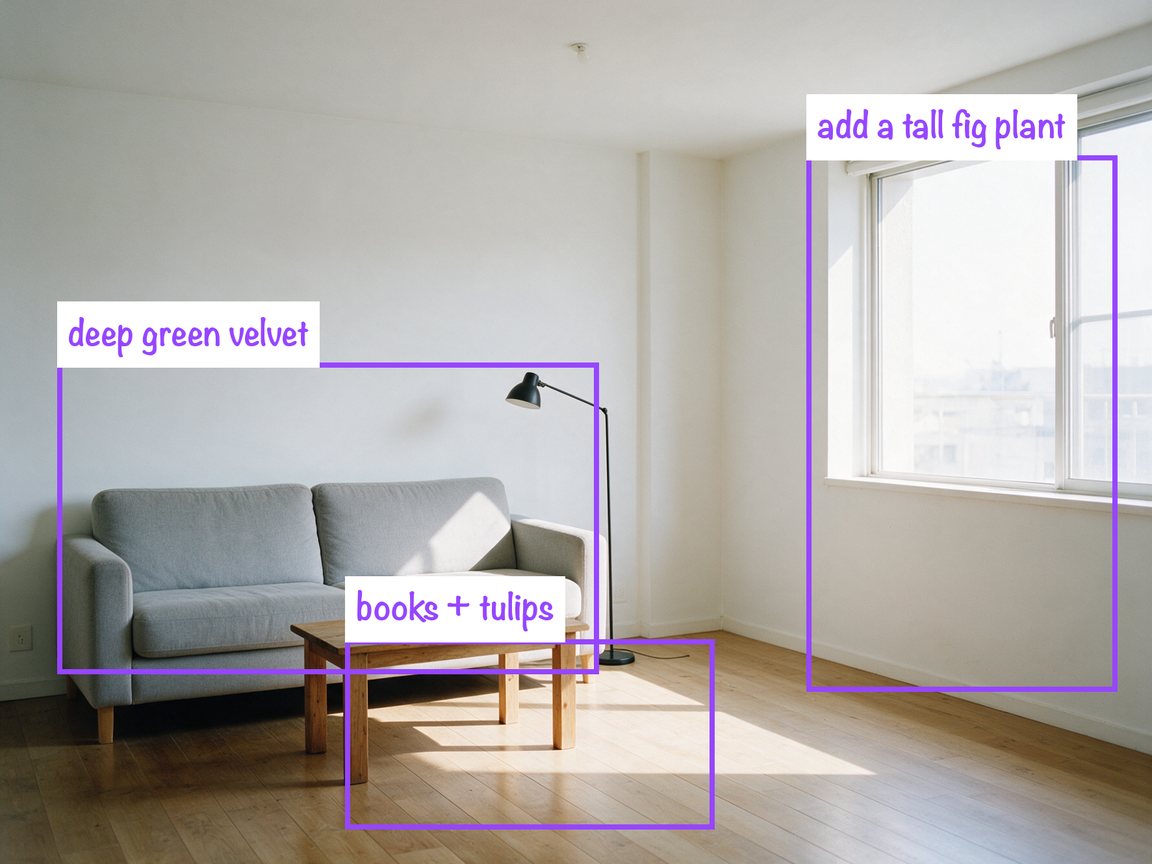 Marked upEdited
Give a hex code or name a fabric, and only that object changes. Perspective, shadows and reflections stay consistent.
Upload a menu, sign or poster and ask for another language. The layout, type style and colors stay as they were.
Turn day into night, warm up a room or add a sunset glow while every object stays in place.
The Seedream 5.0 family and its rivals
ByteDance ships three Seedream 5.0 tiers. This site runs Pro by default and Flash for quick drafts. Here is how they differ, and how Pro scored against two rival models in a blind test.
Released July 8, 2026
Infographics, interactive editing, multilingual text and photoreal detail. 1K or 2K output and up to 10 reference images. 14 credits per 1K image.
Released September 2026
A quicker, lower-cost tier of the 5.0 family for drafts and quick edits. 1K or 2K at one price: 7 credits.
Released February 2026
The lighter 5.0 model that came first, with outputs up to 4K. Pro added interactive editing, layer separation and stronger text.
Contra Labs, July 9, 2026: ten creative professionals voted blind across ten briefs. GPT Image 2 was tested as ChatGPT Images 2.0; Flux 2 was also in the test.
| Category | Winner | Seedream 5.0 Pro |
|---|---|---|
| Photorealism | Seedream 5.0 Pro · 35.7% | 35.7% |
| Typography | Nano Banana Pro · 35.7% | 32.4% |
| Stylized images | Nano Banana Pro · 40.7% | 24.4% (third) |
| Infographics and complex layouts | ChatGPT Images 2.0 · 58.6% | — |
Use cases
From product pages to lesson slides, people use the model where text, layout and accuracy matter as much as looks.
Product pages, listing images and seasonal variants without a photo studio.
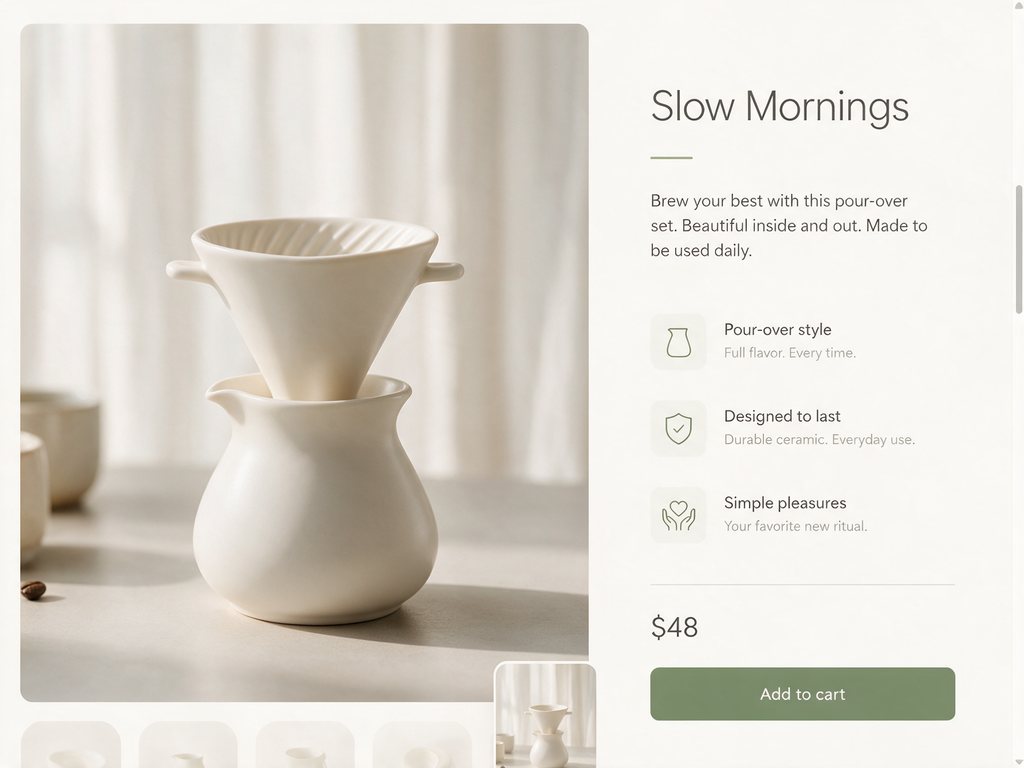
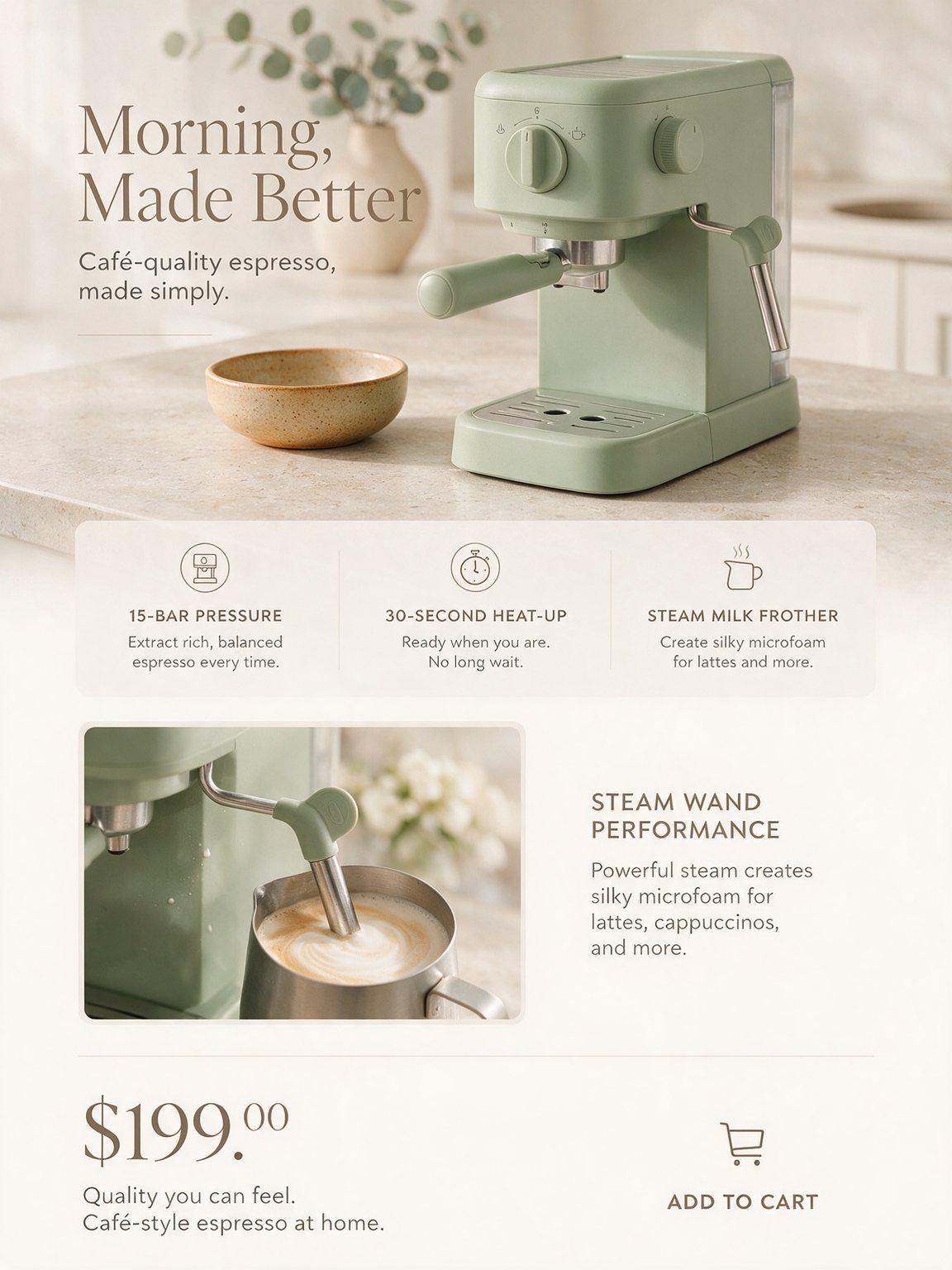
Describe the product, the headline and three selling points, and get a long-form page with callouts and a price block.
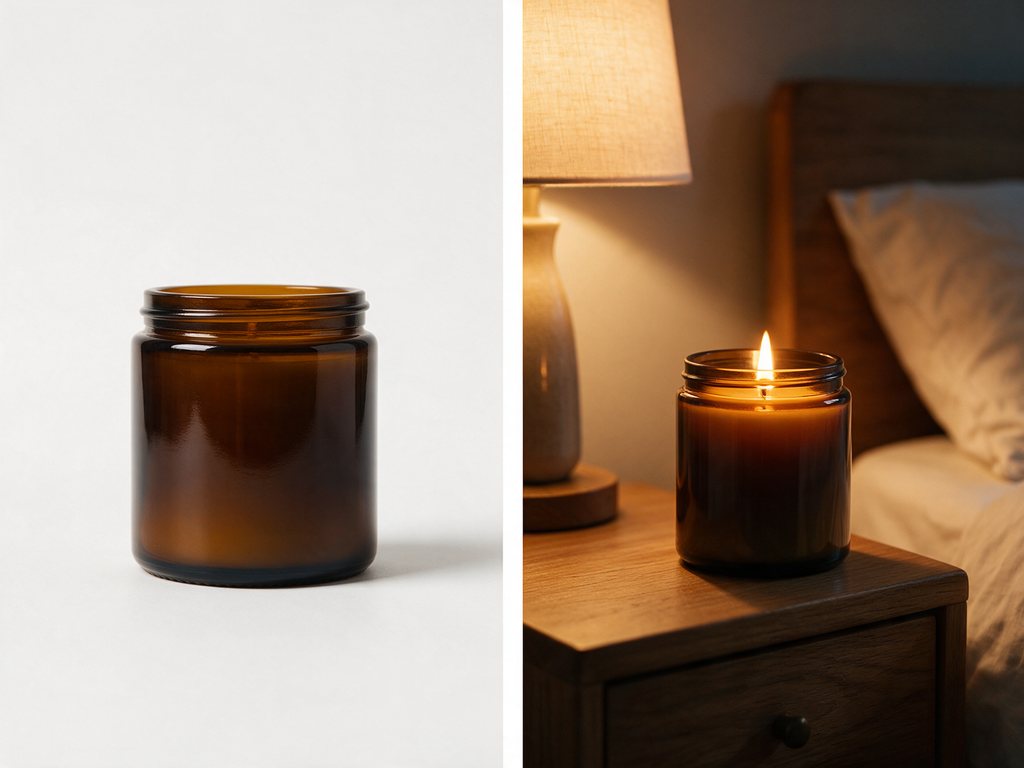
Upload a plain product photo and place it on a kitchen counter, a beach or a studio set while the product stays the same.
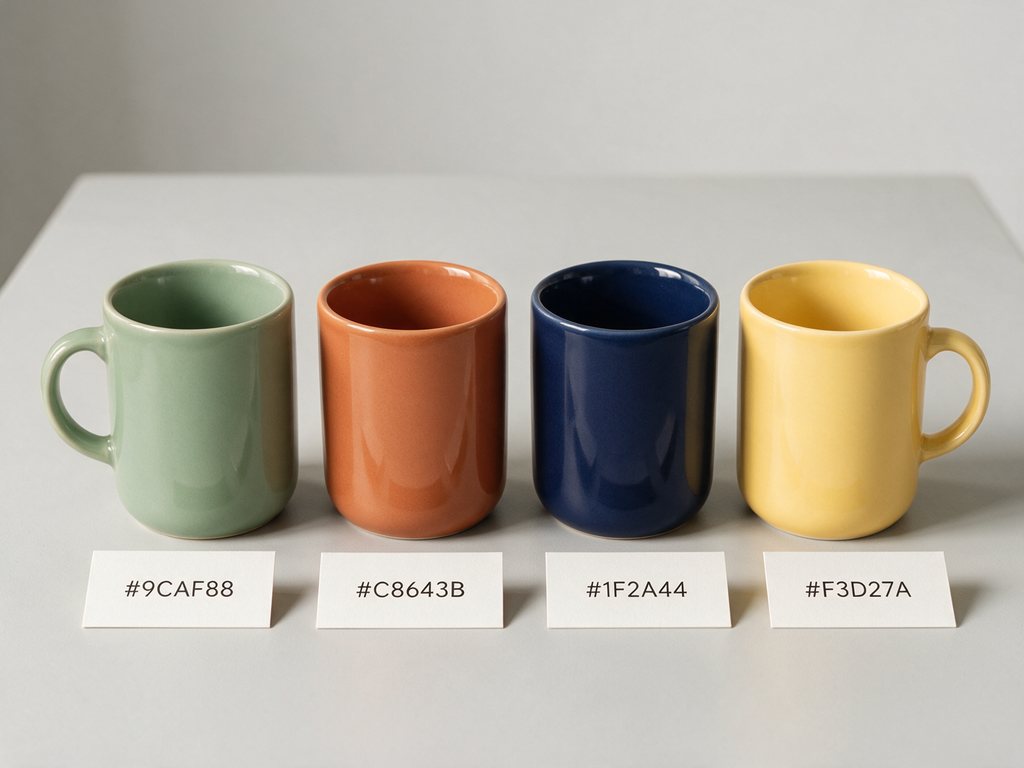
Mark the item and give a hex code or a swatch to preview new colorways before you order samples.
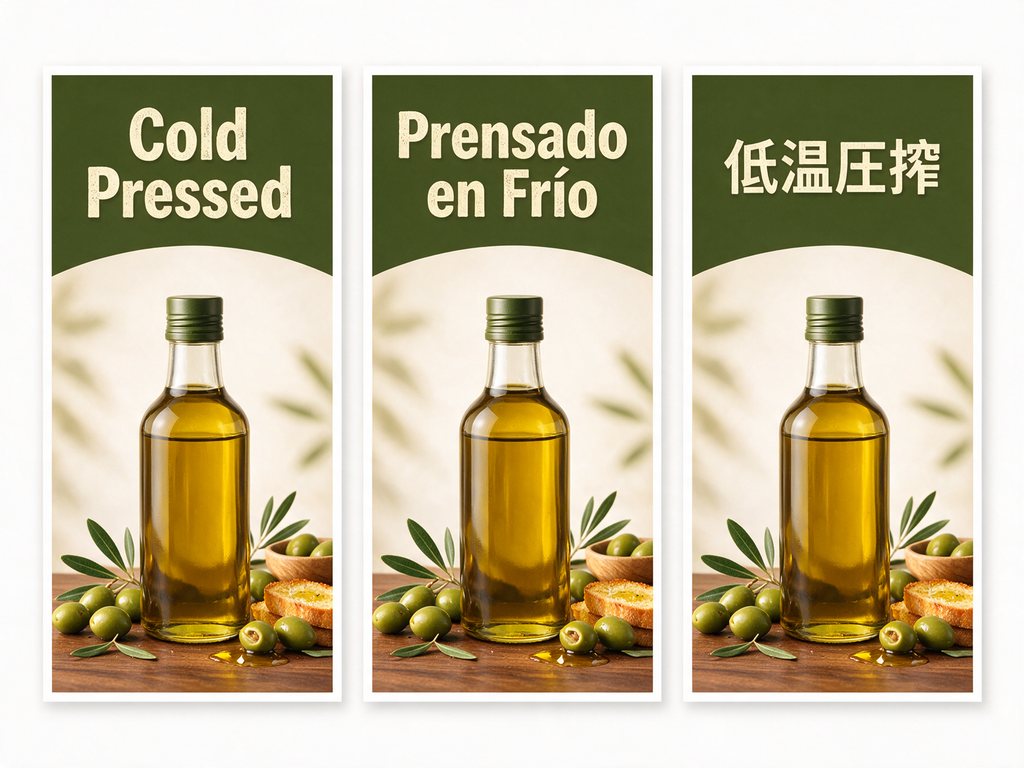
Translate the text on your images for each storefront while the layout and branding stay put.
Simple steps
Sign in, describe the image or upload a marked-up photo, pick a size, then refine one change at a time. Everything runs in your browser.
Choose the plan that matches how often you generate with Seedream 5 Pro.
From X
Public posts about the model itself, not about this site. Each quote links to the original post.
Layer separation
Seedream 5.0 pro support Separate Layer. Photoshop is over.@bdsqlsz
Precise edits
…being able to tweak just one element without ruining the whole image is a game changer@WayzMTP
Style consistency
Seedream 5 Pro keeps the art style of the source image remarkably faithfully.
Translated from Japanese
@nbykosQuick answers about free credits, model versions, specs and how this site relates to ByteDance.
Seedream 5.0 Pro is ByteDance Seed's multimodal image model, released on July 8, 2026. BytePlus lists it as Dola Seedream 5.0 Pro and CapCut as Dreamina Seedream 5.0 Pro. It focuses on infographics, interactive editing, photoreal detail and text in more than ten languages.
No. Seedream 5 Pro (seedream5pro.im) is an independent site that runs ByteDance's Seedream 5.0 models through a third-party API. We are not affiliated with or endorsed by ByteDance. The official model page is on seed.bytedance.com.
Yes. New accounts get 28 free credits, enough for 2 Seedream 5.0 Pro images at 1K, with no credit card. Failed runs are refunded automatically. Paid plans add more credits, private images and no watermark.
Use Pro for final images: it has the best text, layout and realism of the three. Flash, added in September 2026, is faster and cheaper, which suits drafts and quick edits. Lite is the earlier February 2026 model; this site does not run it.
In Contra Labs' blind test (July 2026), Seedream 5.0 Pro won photorealism with 35.7% of votes. Nano Banana Pro led typography (35.7% to 32.4%) and stylized images, and ChatGPT Images 2.0, which runs GPT Image 2, took infographics with 58.6%. Pick the model for the brief.
No. It outputs 1K or 2K. At 2K a square image is 2048 × 2048 pixels, about 4 megapixels, and other shapes get the same pixel count. Sites that promise native 4K are describing Seedream 5.0 Lite or an upscaler. Here you can choose 1K or 2K on every plan.
The model accepts up to ten reference images through its API. The generator on this site takes one image per run today, which covers marked-up edits, restyling and translation.
Yes. ByteDance's layer separation splits an image into a background and transparent layers and fills in what was hidden behind them. It runs as a separate tool that is not on this site yet, and a text prompt alone cannot give you a transparent background.
Much better than earlier models. Headlines, menus and posters usually come out spelled correctly in English, Chinese, Japanese, Korean, Arabic and other languages. Very small labels can still have mistakes, so put the exact words in quotes and check fine print before you publish.
Yes. Images you generate here are yours to use in client work, ads, product listings and print. Free images carry a small watermark; paid plans remove it.
Write a prompt or upload a photo to edit. It runs in your browser, and new accounts get free credits with no card required.
Max output size
Languages it can write
Free images to start